Compatibility
Which Google TV TVs work?
Kumi pairs with Google TV the same way Google’s own remote service expects: with a one-time code shown on your TV.
Works
- TVs with Google TV: Sony, TCL, Hisense, Philips and others
- Google TV streamers
- Phone and TV on the same Wi-Fi network
Does not work
- TCL and Hisense models with Roku TV or VIDAA
- Fire TV devices
- Guest networks that isolate devices
Setup
Connect your Google TV TV in three steps.
- 1
Join the same Wi-Fi
Your phone and the TV need to be on the same home network.
- 2
Pick your TV in Kumi
Open Kumi and choose your Google TV from the list.
- 3
Type the code
Enter the six-character code shown on the TV. Kumi checks it before sending, so a typo is caught right away.
Code not showing? Restart the TV and try again; leaving and re-joining the Wi-Fi network also helps.
Features
Everything your Google TV remote does.
Touchpad and D-pad
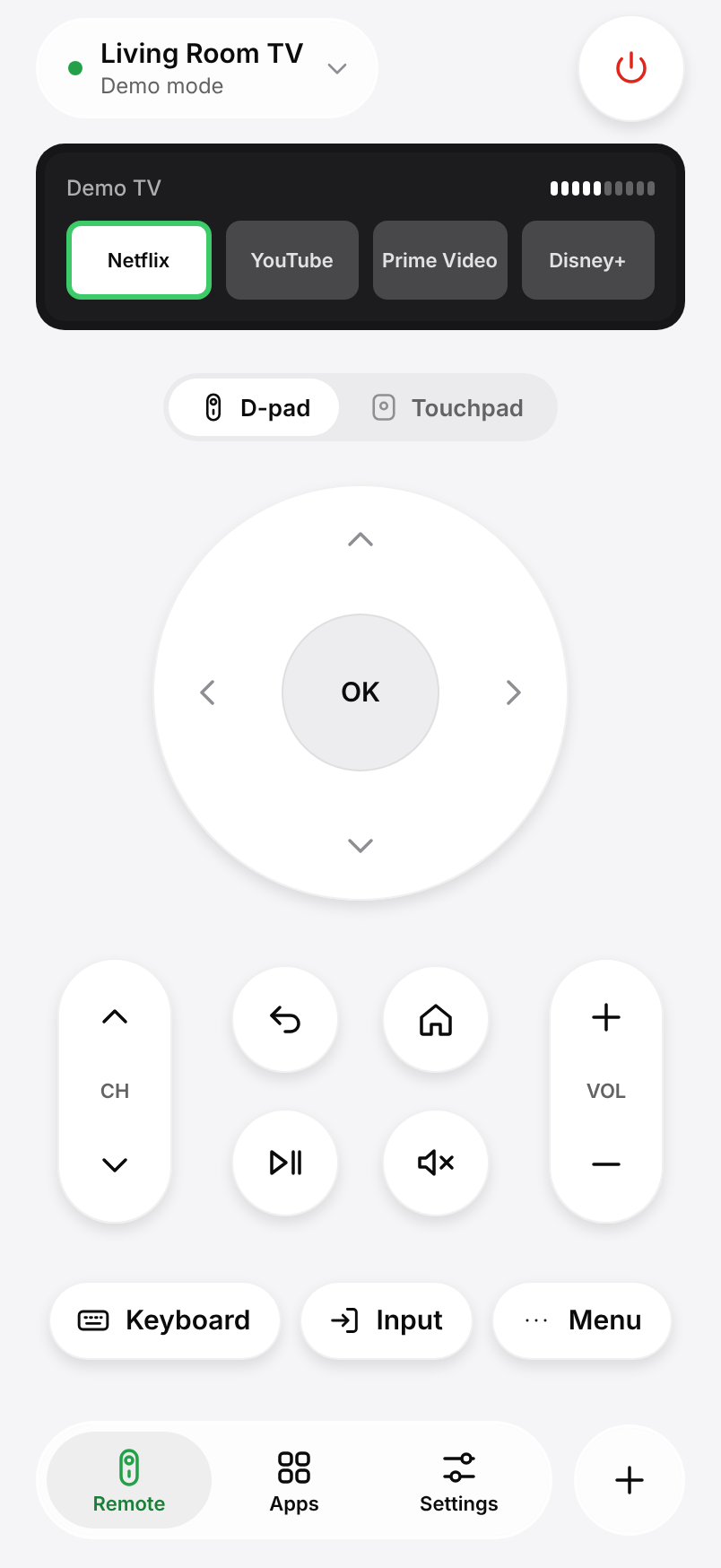
Swipe through menus or use the arrow keys, OK, Back and Home.
Type and talk
Search with your phone keyboard, or just say the title.
Open apps directly
Launch Netflix, YouTube and the rest from your phone.
FAQ
Google TV questions, answered.
Something else? Write to us from Settings › Help in the app.
Is Kumi made by Google?
No. Kumi is an independent app and is not affiliated with Google.
Does my TV run Google TV?
If the home screen says Google TV or your TV has a Google Assistant button, it does. See our guide to finding your TV model.
Is the Google TV remote free?
Yes. The remote, keyboard, touchpad and app launcher are free for one TV, with no ads.