TV remote app for Samsung, LG & Google TV
Your remote,
now on your phone.
Kumi finds your TV on home Wi-Fi and shows you it works before it asks for anything. No ads. No account.
- Free remote, keyboard & touchpad
- No ads, no account
- One-time Lifetime option
Works with
Also works with Google TV and Android TV models from TCL, Hisense, Philips, Xiaomi and more. All trademarks belong to their owners; Kumi is not affiliated with or endorsed by them.
Why Kumi
A remote you can trust
from the first tap.
Most remote apps ask you to pay before you know they work. Kumi does it the other way round.
Works before it asks
During setup Kumi turns the volume up one step and back down. You see it on your TV before anything else.
No ads, no account
The remote, keyboard, touchpad and app launcher are free. No banners, no sign-up, no tracking.
Honest pricing
Pro is a one-time Lifetime purchase, or yearly with a reminder before the trial ends. Cancel in two taps.
How it works
Set up in three steps.
- 1
Find your TV
Kumi looks for Samsung, LG and Google TV on your home Wi-Fi. Your phone and TV just need the same network.
- 2
Approve on the TV
Press Allow on Samsung and LG, or type the six-character code that Google TV shows on screen.
- 3
See it work
Kumi nudges the volume up and back down. Spot the volume bar on your TV and you are ready.
Features
Everything a remote does.
And a little more.
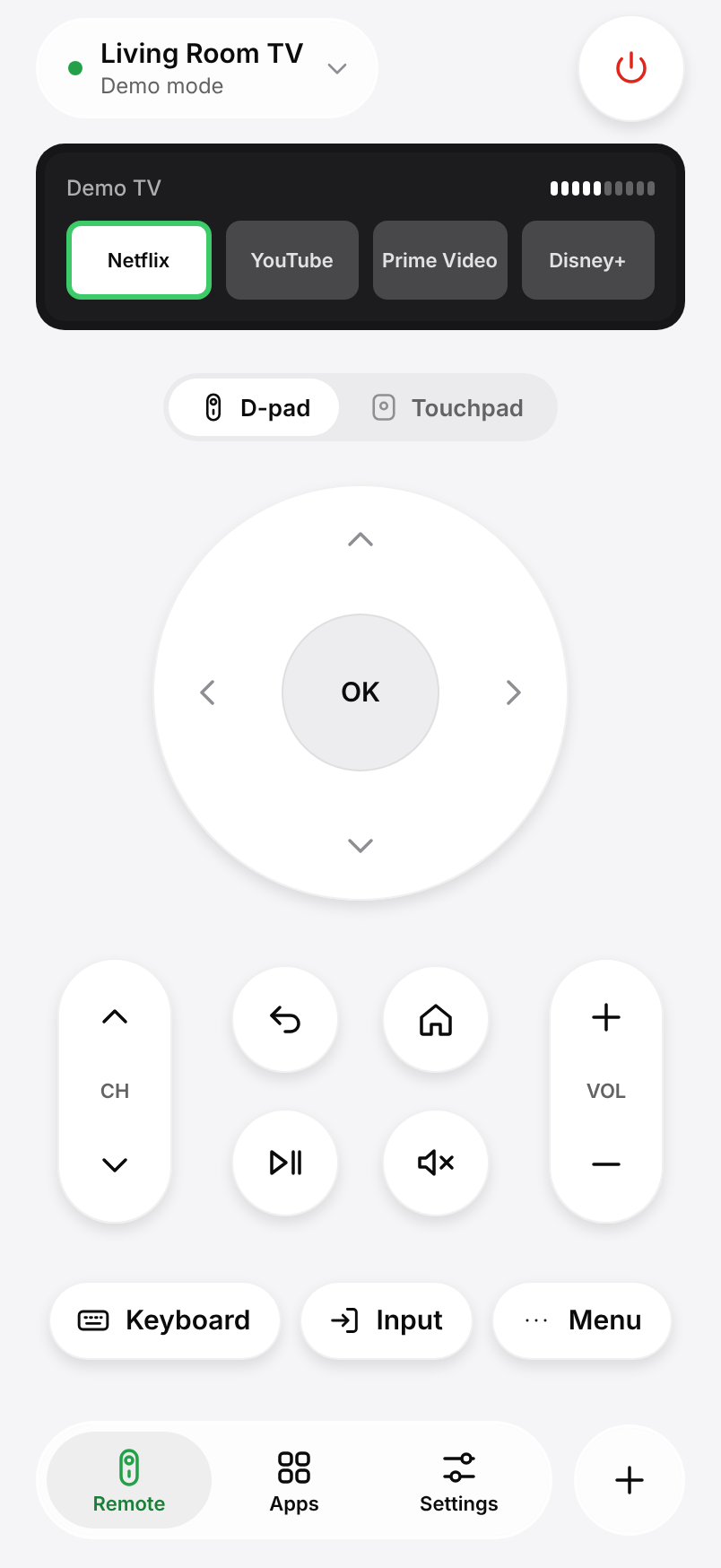
A touchpad for your thumb
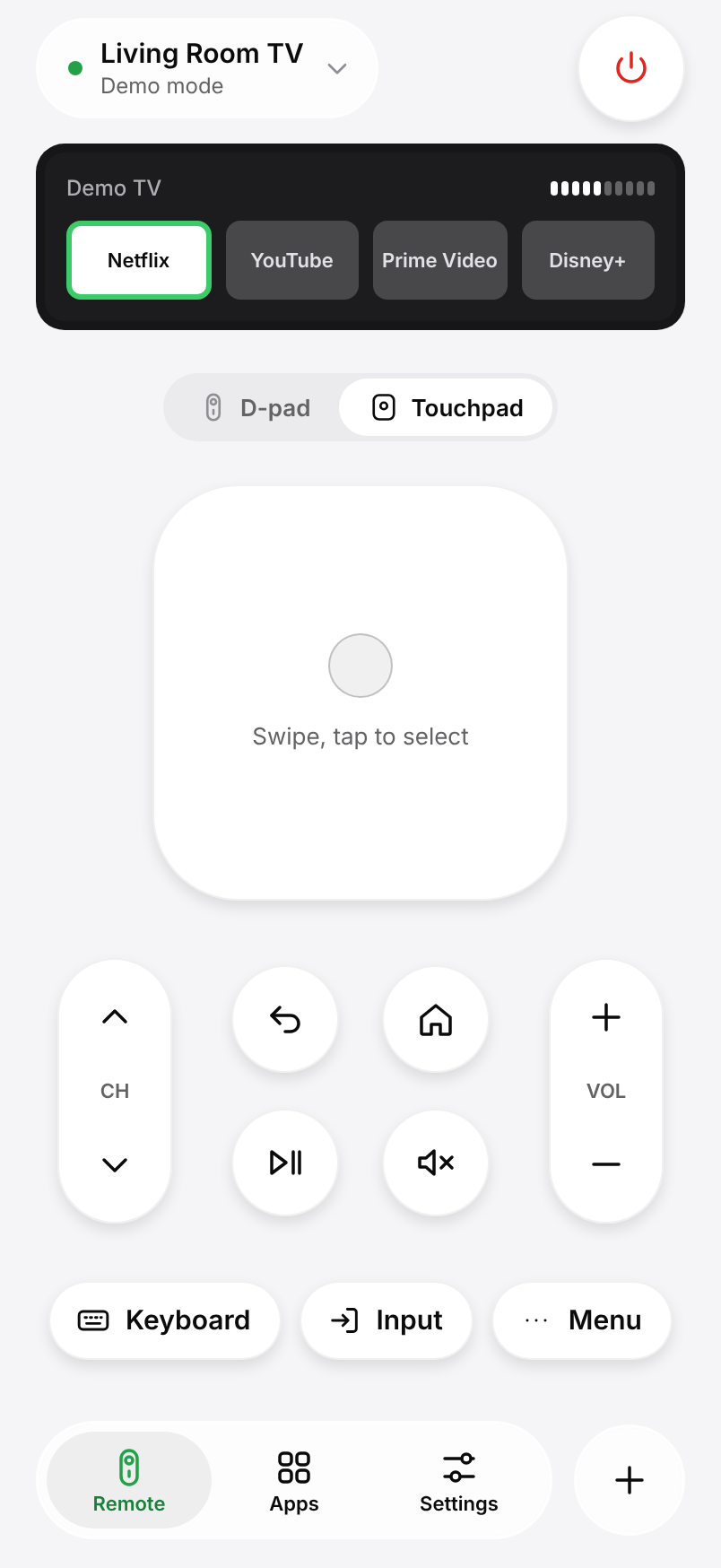
Swipe to move, tap to select. Faster than arrow keys when you scroll through long menus.
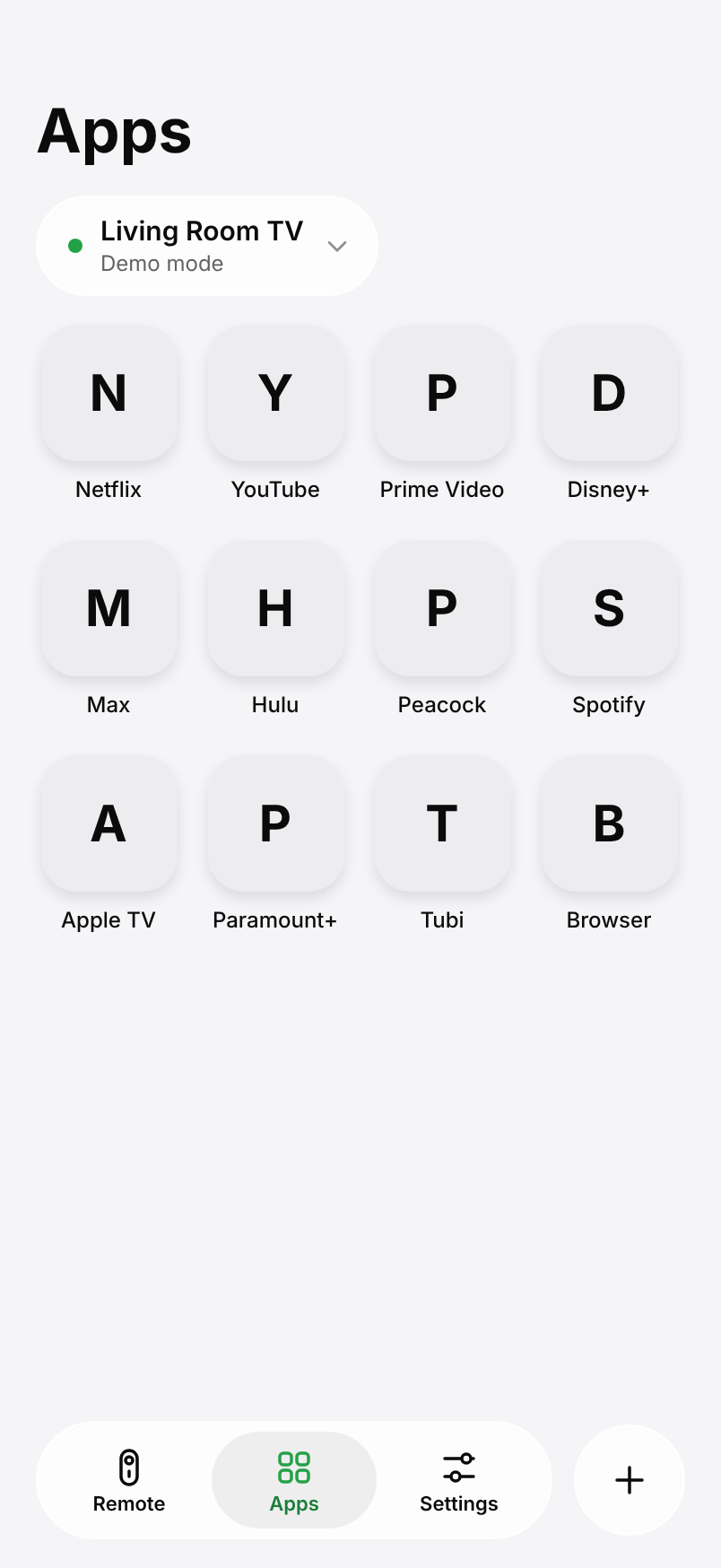
Your apps, one tap away
Open Netflix, YouTube, Prime Video and the rest straight from your phone.
Type and talk
Search on the TV with your phone keyboard, or just say the title.
Lock screen remote
Volume and channel from Control Center and widgets.
Large keys
A simple, lockable remote for parents and grandparents.
Every TV at home
Living room, bedroom, kids’ room: switch in one tap.
Pricing
Free to use.
Pro if you want more.
Every Pro plan unlocks the same features. Prices in USD; your store shows the local price.
Free
$0 forever
- D-pad, OK, back, home, volume and channel
- Touchpad
- Phone keyboard and voice typing
- App launcher
- One TV
- No ads, no account
Kumi Pro Pro
- Everything in Free
- Every TV in your home
- Lock screen and Control Center remote
- Large keys mode for parents
- Themes
Yearly: 3 days free, then $19.99 a year. We remind you 24 hours before the trial ends. Subscriptions renew automatically; cancel anytime in your App Store or Google Play account.
Privacy
Your remote stays at home.
Kumi is built so there is nothing to leak: no account, no ads and no servers in between.
Commands stay on your Wi-Fi
Button presses go straight from your phone to your TV. They never pass through our servers.
Nothing to sign up for
No account, no email, no ad tracking. Pairing keys stay in your phone’s secure storage.
Data only if you say yes
Anonymous compatibility data helps us fix TV models. It is only sent if you opt in.
FAQ
Questions, answered.
Something else? Write to us from Settings › Help in the app.
Which TVs work with Kumi?
Samsung smart TVs from 2016 on (Tizen), LG webOS TVs, and TVs with Android TV or Google TV, including models from Sony, TCL, Hisense and Philips.
My TV does not show up. What can I do?
Check that your phone and TV are on the same Wi-Fi and that you are not on a guest network or VPN. Kumi’s connection check walks you through the rest, or you can add the TV by its IP address.
Is Kumi really free?
Yes. The remote, keyboard, touchpad and app launcher are free for one TV, with no ads. Kumi Pro adds more TVs, widgets, large keys and themes.
Does Kumi work without Wi-Fi?
No. Kumi talks to your TV over your home network, so the phone and TV need to be on the same Wi-Fi. Phones cannot send infrared signals.
How do I cancel the yearly plan?
In your App Store or Google Play subscriptions, or from Settings › My subscription in Kumi. We remind you 24 hours before the trial ends.
Does Kumi work with Roku or Fire TV?
Not yet. Their official remote apps are free. Kumi is for Samsung, LG, Google TV and Android TV.